Microsoft 365 Support, Licensing & Tenant Management in South Africa
Nationwide Office 365 support for business email, Teams, SharePoint, OneDrive, tenant security, licensing and end-user productivity.


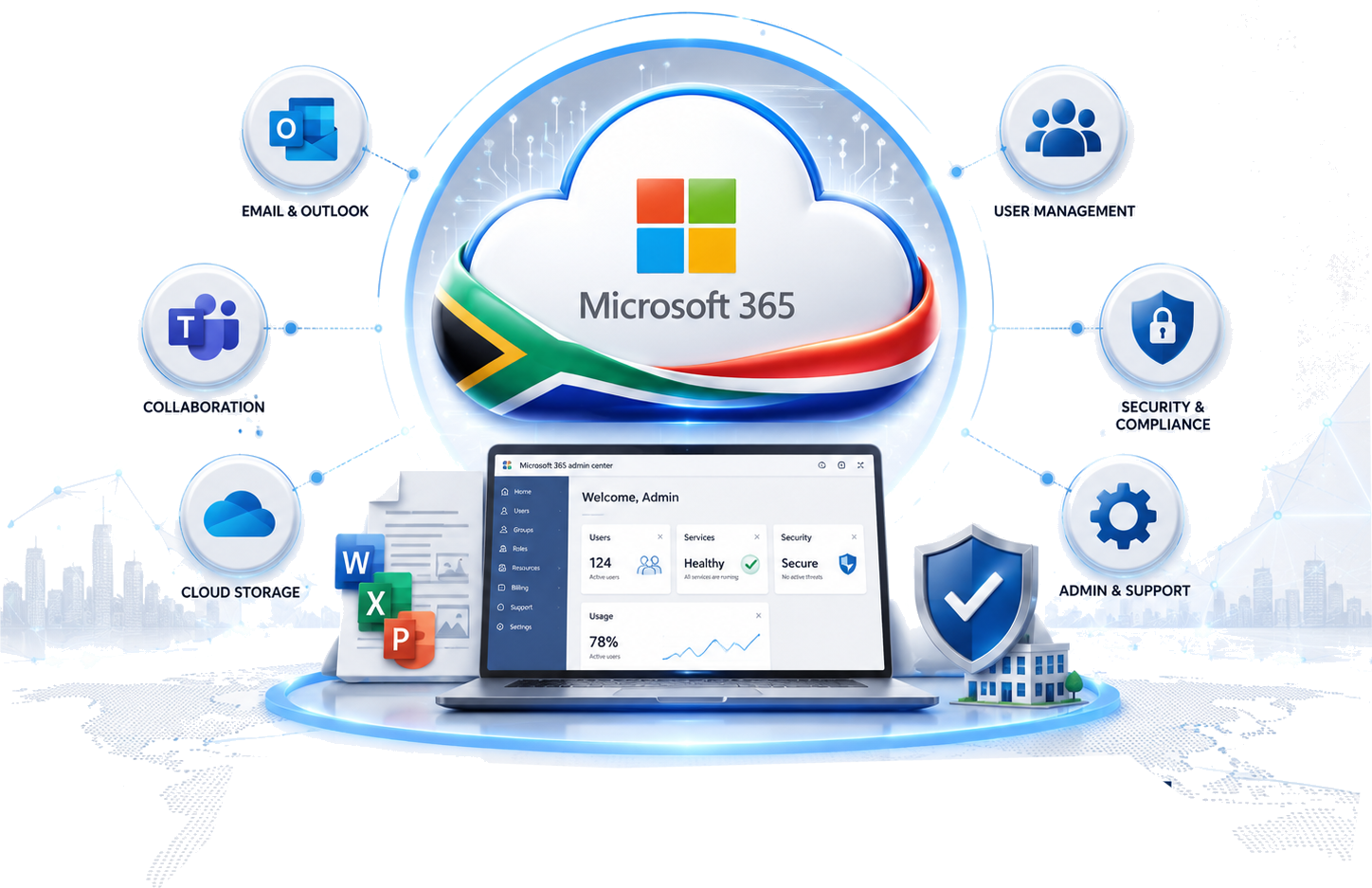
Nationwide Office 365 support for business email, Teams, SharePoint, OneDrive, tenant security, licensing and end-user productivity.
Microsoft 365 is now business-critical infrastructure. It controls email, files, collaboration, identity, security and access for your staff, which means poor setup or weak administration quickly becomes a productivity and security risk. SoReal Solutions provides Microsoft 365 support across South Africa, helping businesses manage their tenants, licences, users and security with one accountable ICT partner.
We support the end user, the administrator and the business owner. Your staff get practical help with Outlook, Teams, OneDrive, SharePoint, mobile email, password resets and MFA prompts, while management gets a cleaner tenant, better licence control, stronger security and clearer governance.
Many providers only sell licences. That is not enough when users cannot send mail, DNS is wrong, Teams does not work, MFA locks someone out, or a mailbox has suspicious forwarding rules. SoReal Solutions understands the wider environment around Microsoft 365: domains, DNS, networks, firewalls, endpoints, backups, hosting, cybersecurity and user support. That lets us solve the actual problem rather than pushing it between suppliers.
We help businesses create, clean up and manage Microsoft 365 tenants properly. This includes domain verification, DNS alignment, user setup, admin role review, security settings, shared mailbox planning, group structure, mail flow and practical governance. The goal is a tenant that is easy to administer, secure enough for real-world threats and simple for users to work in.
Microsoft 365 licensing often becomes expensive or confusing when staff roles change, licences are added in a hurry, or old allocations are never reviewed. We help align licences to the actual user requirement: email-only users, frontline users, full desktop app users, shared mailbox users, administrators, and users who need stronger security or compliance features.
Our role is to help you avoid both under-licensing and waste. We review what users need, what they actually use, where security features are required, and whether your licence mix still matches your business.
End users do not care which admin portal setting caused the problem. They need email, files and meetings working. We provide practical support for Outlook, mailbox access, Teams meetings, OneDrive sync, mobile devices, password resets, MFA recovery, profile setup and general Microsoft 365 usage issues.
Microsoft 365 is one of the most targeted business platforms because attackers want mailbox access, invoices, documents and identity credentials. We help reduce that risk by reviewing MFA, admin accounts, recovery methods, mailbox forwarding rules, risky sign-ins, password hygiene and email security basics.
We assist with new deployments, migration clean-up and structured onboarding. Whether you are moving from basic email, cleaning up an older tenant, or standardising how users are created and removed, we can help you reduce disruption and make the environment easier to support.
Although SoReal Solutions is based in Centurion, our Microsoft 365 service is not limited to Gauteng. Tenant administration, licensing support, Exchange Online, Teams, SharePoint, OneDrive, security hardening and end-user helpdesk support can be delivered remotely to businesses nationwide, including Johannesburg, Pretoria, Cape Town, Durban, Bloemfontein, Gqeberha, East London, Polokwane, Nelspruit, Kimberley and other South African business centres.
Tell us your user count, current licences, domain setup and the problems you want solved. We can review your tenant and recommend a practical support plan.
Do you support Microsoft 365 nationwide?
Yes. We provide Microsoft 365 and Office 365 support across South Africa using remote support, tenant administration and structured escalation.
Can you manage our licences?
Yes. We help review, assign and rationalise Microsoft 365 licences so your users have the right functionality without unnecessary waste.
Can you support Exchange Online mail problems?
Yes. We support mailbox access, aliases, shared mailboxes, distribution groups, DNS records, SPF, DKIM, DMARC, mail flow and deliverability.
Do you help secure Microsoft 365?
Yes. We help with MFA, admin access review, mailbox rule checks, phishing risk reduction, risky sign-in review and backup planning.
Here are testimonials from clients..


